
VidMCP
MCP server for video editing with text-prompt subject segmentation and compositing effects behind subjects. Enables agent-driven video creation and education animations.
README
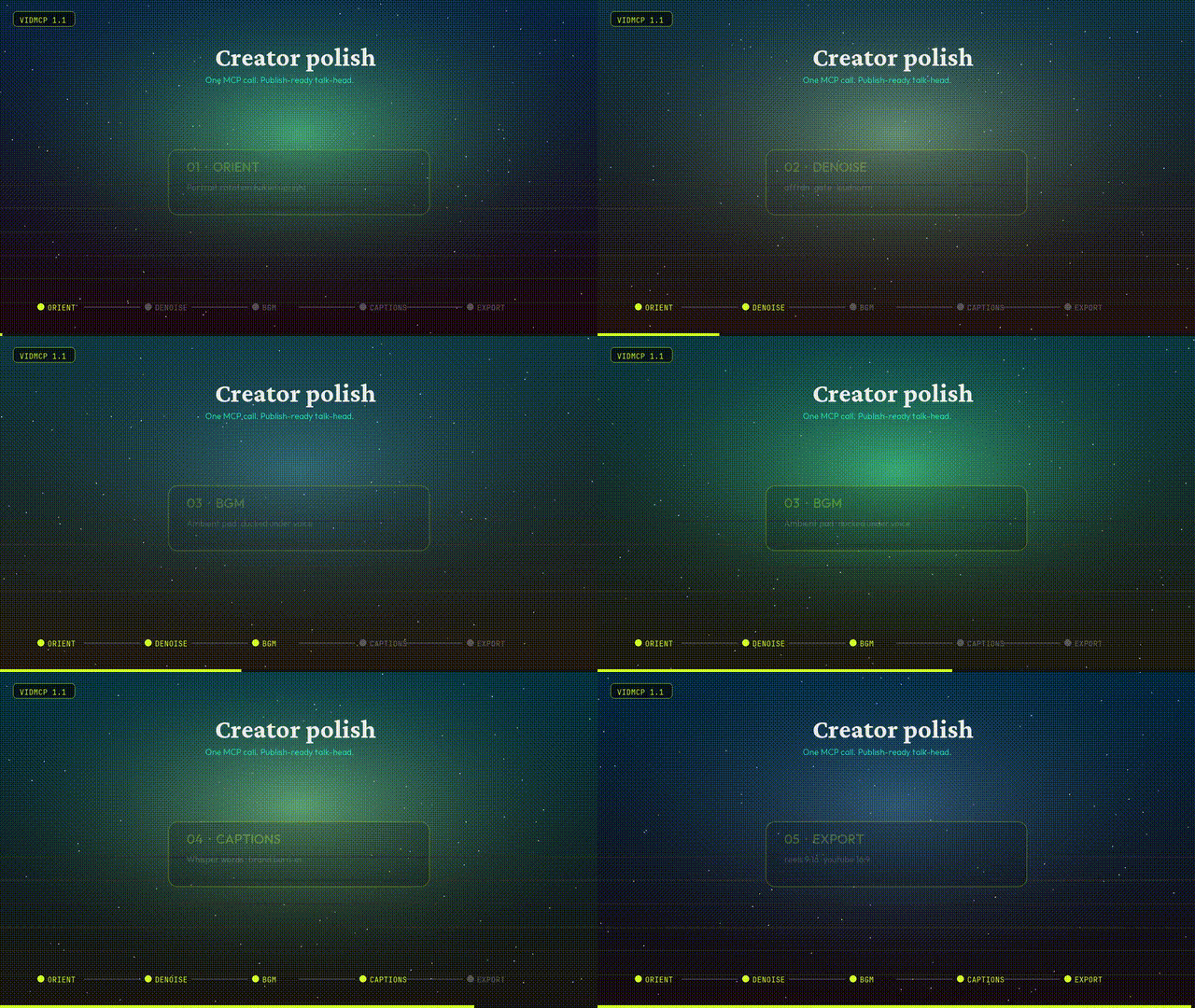
<p align="center"> <img src="https://raw.githubusercontent.com/dhirajlochib/VidMcp/main/demos/samples/07_creator_polish.gif" width="640" alt="VidMCP 1.1 Creator polish" /> </p>
<h1 align="center">VidMCP</h1>
<p align="center"> <em>Agents don’t describe video. They cut it.</em> </p>
<p align="center"> <a href="https://vidmcp.com"><img alt="Website" src="https://img.shields.io/badge/vidmcp.com-d4ff2a?style=flat-square&labelColor=050507&color=d4ff2a" /></a> <a href="https://pypi.org/project/vidmcp/"><img alt="PyPI" src="https://img.shields.io/badge/PyPI-2affd1?style=flat-square&labelColor=050507" /></a> <a href="https://dhirajlochib.com/"><img alt="Author" src="https://img.shields.io/badge/Dhiraj%20Lochib-b18cff?style=flat-square&labelColor=050507" /></a> <img alt="Python" src="https://img.shields.io/badge/Python_3.11+-ffa24e?style=flat-square&labelColor=050507" /> <img alt="License" src="https://img.shields.io/badge/MIT-efefeb?style=flat-square&labelColor=050507" /> </p>
<p align="center"> <b>MCP server</b> for agent video editing — mattes · behind-the-subject VFX · audio polish · captions · export<br/> Built by <a href="https://dhirajlochib.com/">Dhiraj Lochib</a> · <a href="https://vidmcp.com">vidmcp.com</a> · <code>uv tool install vidmcp</code> </p>
Creator polish pipeline
One call for a publish-ready talk-head:
orient → denoise → BGM → captions → optional BG replace → export preset
| Tool | What it does |
|---|---|
run_talking_head_polish |
Full recipe in one shot |
process_audio |
Denoise · gate · EQ · loudnorm |
mix_bgm |
Ambient pad under voice (ducking) |
transcribe_and_caption |
Whisper words + brand burn-in |
replace_background |
Matte + space / blur / solid plate |
smart_cut_hesitations |
Dead air & filler removal |
export_render |
youtube_16x9 · reels_9x16 · square_1x1 |
import_video |
Bakes portrait rotation upright by default |
from vidmcp.tools.creator import run_talking_head_polish

print(run_talking_head_polish(
    "talk.mov",
    preset="reels_9x16",
    bg_mode="space",   # none | space | blur | solid
    strength=0.75,
    bgm_volume=0.35,
))
MCP agents can also call apply_recipe(..., recipe_name="talking_head_polish") or free-text run_intent(...).
Agent context (tool packs + compact results)
Agents drown when MCP hosts load ~90 tool schemas and fat JSON. VidMCP defaults to a small surface:
| Setting | Default | Purpose |
|---|---|---|
VIDMCP_TOOL_PACK |
talking_head |
Expose only the tools for that product path |
VIDMCP_COMPACT |
1 |
Drop heavy keys / truncate long payloads |
VIDMCP_MAX_RESULT_CHARS |
4000 |
Hard cap on serialized tool results |
Packs: talking_head · education · vfx · admin · all
run_intent("polish talk head for reels, space bg, cut fillers", video_path="talk.mov")
project_brief(project_id)          # prefer over full get_project
list_tool_packs() / set_tool_pack("vfx")
get_project(id, detail=true)       # full manifest only when needed
Recipes: talking_head_polish · talking_head_reels · talking_head_space · talking_head_tight · talking_head_infographics.
For full surface (debug): VIDMCP_TOOL_PACK=all.
Gallery
<p align="center"> <img src="https://raw.githubusercontent.com/dhirajlochib/VidMcp/main/demos/samples/07_creator_polish.gif" width="560" alt="Creator 1.1" /><br/> <sub><b>1.1 Creator polish</b> — orient · denoise · BGM · captions · export</sub> </p>
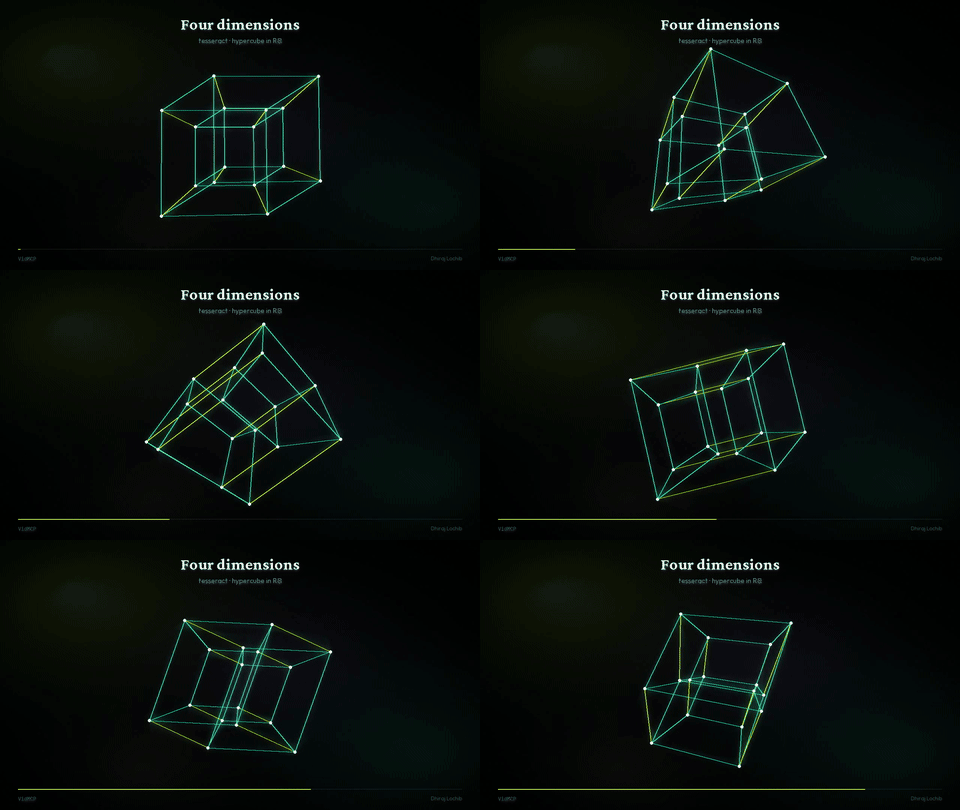
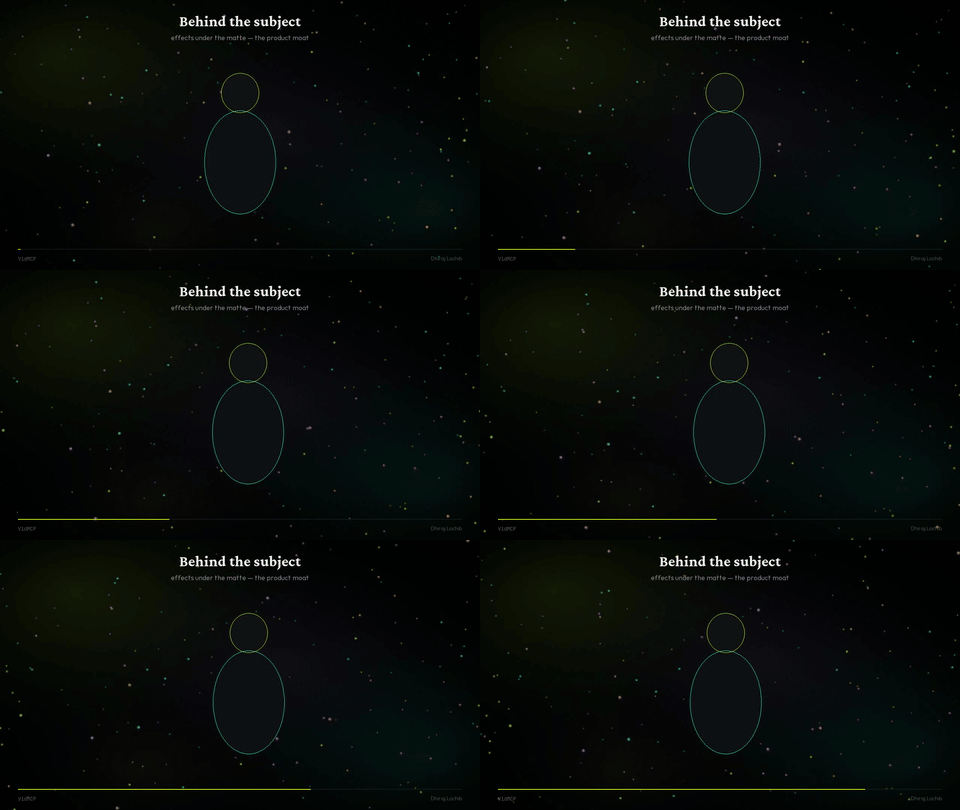
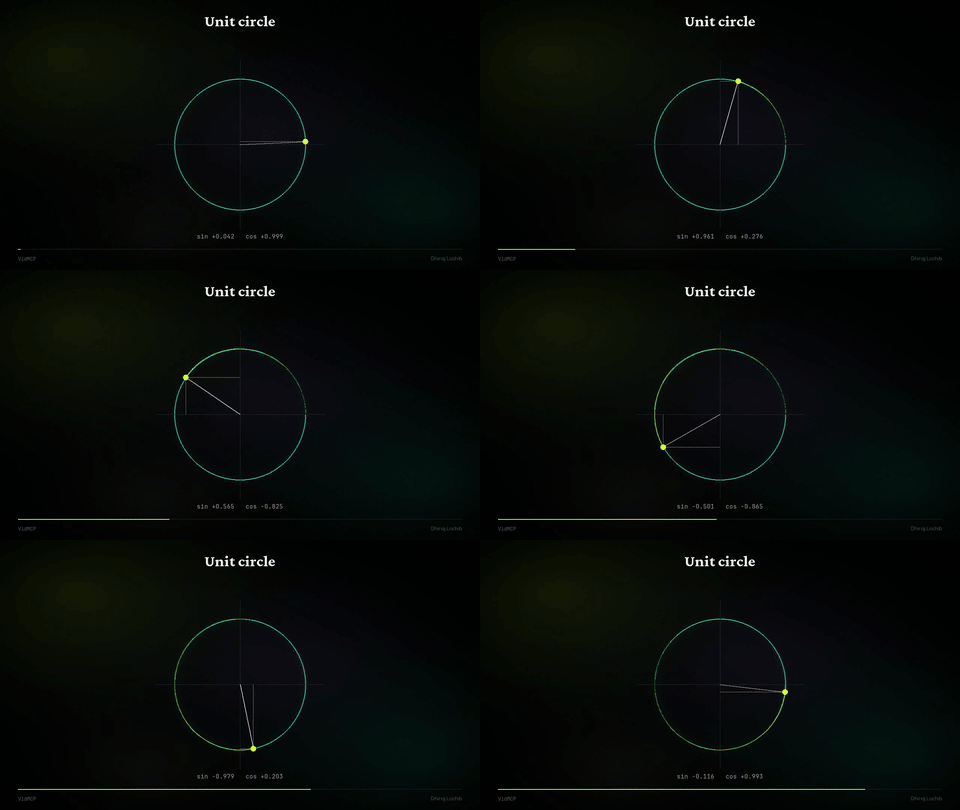
<table> <tr> <td align="center" width="50%"> <img src="https://raw.githubusercontent.com/dhirajlochib/VidMcp/main/demos/samples/03_behind_subject.gif" width="100%" alt="Behind subject" /><br/> <sub><b>Behind the subject</b></sub> </td> <td align="center" width="50%"> <img src="https://raw.githubusercontent.com/dhirajlochib/VidMcp/main/demos/samples/02_tesseract.gif" width="100%" alt="Tesseract" /><br/> <sub><b>Tesseract</b> · 4D trails</sub> </td> </tr> <tr> <td align="center" width="50%"> <img src="https://raw.githubusercontent.com/dhirajlochib/VidMcp/main/demos/samples/01_flowfield.gif" width="100%" alt="Flow" /><br/> <sub><b>Flow field</b></sub> </td> <td align="center" width="50%"> <img src="https://raw.githubusercontent.com/dhirajlochib/VidMcp/main/demos/samples/05_unit_circle.gif" width="100%" alt="Unit circle" /><br/> <sub><b>Unit circle</b></sub> </td> </tr> </table>
| Sample | GIF | MP4 |
|---|---|---|
| Creator polish | gif | mp4 |
| Flow field | gif | mp4 |
| Tesseract | gif | mp4 |
| Behind the subject | gif | mp4 |
| Kinetic | gif | mp4 |
| Unit circle | gif | mp4 |
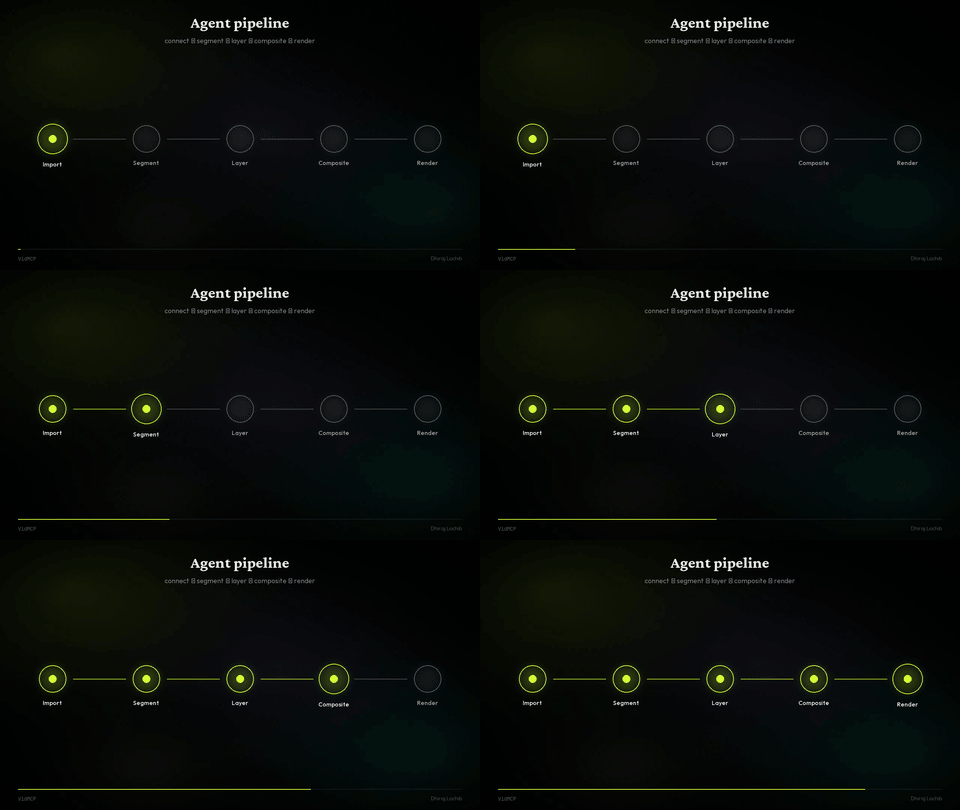
| Pipeline | gif | mp4 |
Install
Needs: Python 3.11+, ffmpeg, uv recommended
uv tool install vidmcp
vidmcp --doctor

# or
pip install 'vidmcp[creator]'   # + faster-whisper + mediapipe
MCP (Grok / Claude / Cursor)
# Grok
grok mcp add vidmcp \
  -e VIDMCP_SAM_BACKEND=mock \
  -e VIDMCP_WORKSPACE_ROOT=$HOME/vidmcp-workspaces \
  -e VIDMCP_TOOL_PACK=talking_head \
  -e VIDMCP_COMPACT=1 \
  -- uvx vidmcp
{
  "mcpServers": {
    "vidmcp": {
      "command": "uvx",
      "args": ["vidmcp"],
      "env": {
        "VIDMCP_SAM_BACKEND": "mock",
        "VIDMCP_WORKSPACE_ROOT": "/path/to/workspaces",
        "VIDMCP_TOOL_PACK": "talking_head",
        "VIDMCP_COMPACT": "1"
      }
    }
  }
}
Optional real matte on Apple Silicon:
pip install 'vidmcp[mlx]'
export VIDMCP_SAM_BACKEND=mlx
export VIDMCP_MLX_MODEL_ID=mlx-community/sam3.1-bf16
Core product
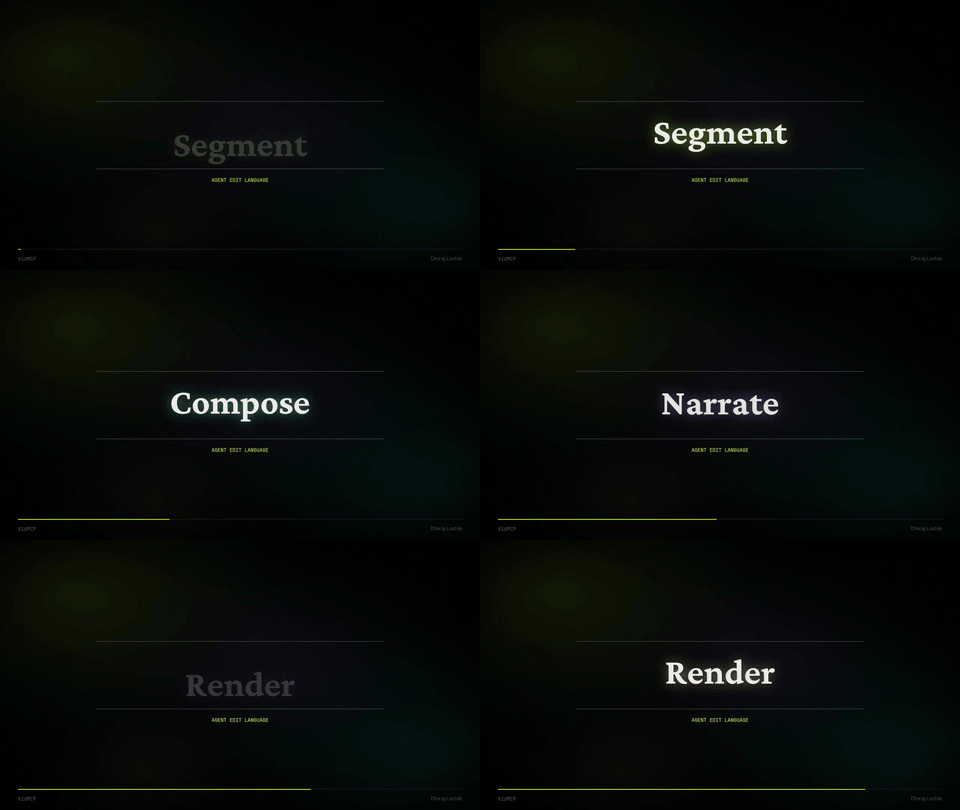
| Segment | Text-prompt subject matte (SAM / MLX / MediaPipe / mock) |
| Compose | Effects behind the subject |
| Audio | Denoise, enhance, BGM duck, loudnorm |
| Captions | Whisper timeline + brand burn-in |
| Educate | Math plates + speech-locked scenes |
| Export | 16:9 · 9:16 · 1:1 without stretch |
create_project → import_video (orient)
  → process_audio → mix_bgm
  → segment_subject | replace_background
  → transcribe_and_caption → export_render
Prefer high-level paths: run_talking_head_polish · apply_recipe · run_quality_gated_pipeline.
Project layout
src/vidmcp/     MCP server, creator tools, perception, effects
demos/samples/  GIFs · MP4s for README & site
site/           vidmcp.com (static Hostinger)
configs/        Claude / Cursor snippets
Author
Dhiraj Lochib — Full-Stack, Blockchain, AI
dhirajlochib.com · GitHub · LinkedIn · dhirajch145@gmail.com
License
Recommended Servers

playwright-mcp
A Model Context Protocol server that enables LLMs to interact with web pages through structured accessibility snapshots without requiring vision models or screenshots.

Magic Component Platform (MCP)
An AI-powered tool that generates modern UI components from natural language descriptions, integrating with popular IDEs to streamline UI development workflow.

Audiense Insights MCP Server
Enables interaction with Audiense Insights accounts via the Model Context Protocol, facilitating the extraction and analysis of marketing insights and audience data including demographics, behavior, and influencer engagement.

VeyraX MCP
Single MCP tool to connect all your favorite tools: Gmail, Calendar and 40 more.

graphlit-mcp-server
The Model Context Protocol (MCP) Server enables integration between MCP clients and the Graphlit service. Ingest anything from Slack to Gmail to podcast feeds, in addition to web crawling, into a Graphlit project - and then retrieve relevant contents from the MCP client.

Kagi MCP Server
An MCP server that integrates Kagi search capabilities with Claude AI, enabling Claude to perform real-time web searches when answering questions that require up-to-date information.

E2B
Using MCP to run code via e2b.

Neon Database
MCP server for interacting with Neon Management API and databases

Exa Search
A Model Context Protocol (MCP) server lets AI assistants like Claude use the Exa AI Search API for web searches. This setup allows AI models to get real-time web information in a safe and controlled way.

Qdrant Server
This repository is an example of how to create a MCP server for Qdrant, a vector search engine.