
Schedulia MCP
A meeting scheduling assistant that enables users to view schedules, manage incoming requests, and send meeting invitations via the Schedulia API. It facilitates seamless coordination of meeting times and participant management through natural language commands.
README
📅 Schedulia MCP - Meeting Scheduling Assistant
🚀 Getting Started
Prerequisites
✅ Git
✅ Python
✅ UV (Python Package Manager) - UV Installation Guide
⚙️ Setup Instructions
-
Get Your API Key
- Get your API key from schedulia.org 🔑
-
Clone Repository
git clone https://github.com/watanka/schedulia-mcp.git cd schedulia-mcp -
Run Server
uv run server.py --api-key={your-api-key} # Replace with your API key! -
Configure MCP Server
{ "mcpServers": { "schedulia-mcp": { "command": "uv", "args": [ "--directory", "/path/to/mcp/server", "run", "server.py", "--api-key", "{your-api-key}" ] } } } -
Register MCP Server on your host(Claude Desktop, Cursor)
🔧 Integration Options
For Claude Desktop users: Configuration Guide
For Cursor users: Configuration Guide
<br>
🛠️ Available Tools
📊 View Meeting Schedules
view_meeting_schedules(date): Check all scheduled meetings for a specific date
<details> <summary>How to Use</summary>
Ask to see your meetings using the view_meeting_schedules tool. You can specify a date or view all schedules.
Prompt Examples:
- "Please show me my meeting schedules"
- "Can you check my meetings for today using view_meeting_schedules?"
- "Use view_meeting_schedules to show my upcoming meetings"
Example Response:
{
    "id": 1,
    "host": {"name": "John Doe", "email": "john@example.com"},
    "participants": [
        {"name": "Alice Smith", "email": "alice@example.com"}
    ],
    "time": {
        "start_time": "2024-03-20T14:00:00",
        "end_time": "2024-03-20T15:00:00"
    },
    "title": "Project Review",
    "description": "Weekly sync meeting"
}
</details>
📬 View Meeting Requests
view_meeting_requests(): Check all incoming meeting requests
<details> <summary>How to Use</summary>
Use the view_meeting_requests tool to check any pending meeting invitations.
Prompt Examples:
- "Use view_meeting_requests to show my pending invitations"
- "Check my meeting requests using view_meeting_requests tool"
- "Show me all meeting requests in the system"
Example Response:
{
    "request_id": 1,
    "sender": {"name": "Alice Smith", "email": "alice@example.com"},
    "receiver_email": "john@example.com",
    "available_times": [
        {
            "start_time": "2024-03-21T15:00:00",
            "end_time": "2024-03-21T16:00:00"
        }
    ],
    "status": "PENDING",
    "title": "Product Discussion"
}
</details>
✅ Respond to Meeting Request
respond_to_meeting_request(request_id, accept, selected_time): Accept or decline meeting requests
<details> <summary>How to Use</summary>
This is a two-step process using both view_meeting_requests and respond_to_meeting_request tools.
Step 1 - View Requests:
- "First, use view_meeting_requests to show me pending invitations"
- "Let me check the meeting requests using view_meeting_requests tool"
Step 2 - Respond:
- "Use respond_to_meeting_request to accept request ID 1 with the proposed time slot"
- "Please use respond_to_meeting_request to decline meeting request #2"
Example Conversation:
User: "First, show me my meeting requests using view_meeting_requests"
Assistant: "Here are your pending meeting requests: [shows requests]"
User: "Great, I want to accept request ID 1 using respond_to_meeting_request for the March 21st 15:00-16:00 slot"
</details>
📨 Send Meeting Request
request_meeting(receiver_email, available_times, title, description): Create and send new meeting requests
<details> <summary>How to Use</summary>
Use the request_meeting tool to create new meeting requests. You'll need to provide receiver's email, available times, title, and description.
Prompt Examples:
- "Use request_meeting to schedule a meeting with alice@example.com"
- "I need to send a meeting request using request_meeting tool for tomorrow"
- "Create a new meeting request with request_meeting for the team sync"
Example Request:
"Please use request_meeting to set up a meeting with following details:
- Receiver: alice@example.com
- Title: Project Kickoff
- Description: Initial project planning meeting
- Available times:
  - March 25th, 2024 14:00-15:00
  - March 26th, 2024 11:00-12:00"
Example Response:
{
    "request_id": 3,
    "sender": {"name": "John Doe", "email": "john@example.com"},
    "receiver_email": "alice@example.com",
    "available_times": [
        {
            "start_time": "2024-03-25T14:00:00",
            "end_time": "2024-03-25T15:00:00"
        },
        {
            "start_time": "2024-03-26T11:00:00",
            "end_time": "2024-03-26T12:00:00"
        }
    ],
    "status": "PENDING",
    "title": "Project Kickoff",
    "description": "Initial project planning meeting"
}
</details>
Demo
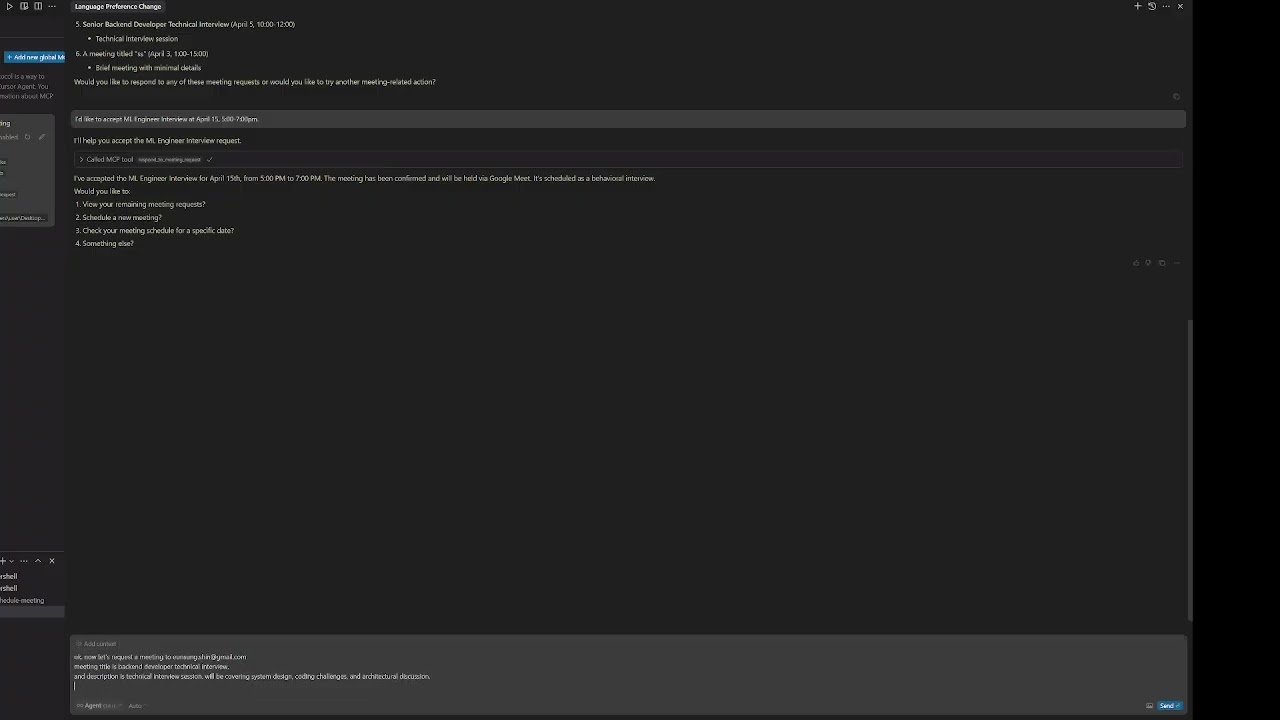
- Need help? Check out demo videos! 🎥
Recommended Servers

playwright-mcp
A Model Context Protocol server that enables LLMs to interact with web pages through structured accessibility snapshots without requiring vision models or screenshots.

Magic Component Platform (MCP)
An AI-powered tool that generates modern UI components from natural language descriptions, integrating with popular IDEs to streamline UI development workflow.

Audiense Insights MCP Server
Enables interaction with Audiense Insights accounts via the Model Context Protocol, facilitating the extraction and analysis of marketing insights and audience data including demographics, behavior, and influencer engagement.

VeyraX MCP
Single MCP tool to connect all your favorite tools: Gmail, Calendar and 40 more.

graphlit-mcp-server
The Model Context Protocol (MCP) Server enables integration between MCP clients and the Graphlit service. Ingest anything from Slack to Gmail to podcast feeds, in addition to web crawling, into a Graphlit project - and then retrieve relevant contents from the MCP client.

Kagi MCP Server
An MCP server that integrates Kagi search capabilities with Claude AI, enabling Claude to perform real-time web searches when answering questions that require up-to-date information.

Neon Database
MCP server for interacting with Neon Management API and databases

E2B
Using MCP to run code via e2b.

Exa Search
A Model Context Protocol (MCP) server lets AI assistants like Claude use the Exa AI Search API for web searches. This setup allows AI models to get real-time web information in a safe and controlled way.

Qdrant Server
This repository is an example of how to create a MCP server for Qdrant, a vector search engine.