
logic-lab
A read-only reference server for 303 curated generative art algorithms implemented in Python (py5), spanning physics, fractals, cellular automata, shaders, and more. Agents can search by keyword, visual mood (ethereal, chaotic, crystalline…), or multi-layer artistic intent to discover algorithms, read structured summaries, and fetch bounded source snippets.
README
Logic Lab
Python translations of creative coding examples using py5. Each simulation is organized by domain, demonstrating core computational creativity concepts: physics, steering behaviors, genetic algorithms, neural networks, fractals, cellular automata, tiling patterns, and mathematical systems.
MCP Server
Logic Lab is available as an MCP server for AI agents. Agents can search the Logic Lab manifest, find algorithms by visual intent or category, read short summaries, and fetch bounded source snippets for selected examples.
Example: Autonomous Artwork Generation
py5-media-art — a project that uses the Logic Lab MCP server with Claude Code to autonomously generate py5 sketches. Claude searches Logic Lab for relevant algorithms, adapts them into new compositions, and optionally writes accompanying articles.
Gallery
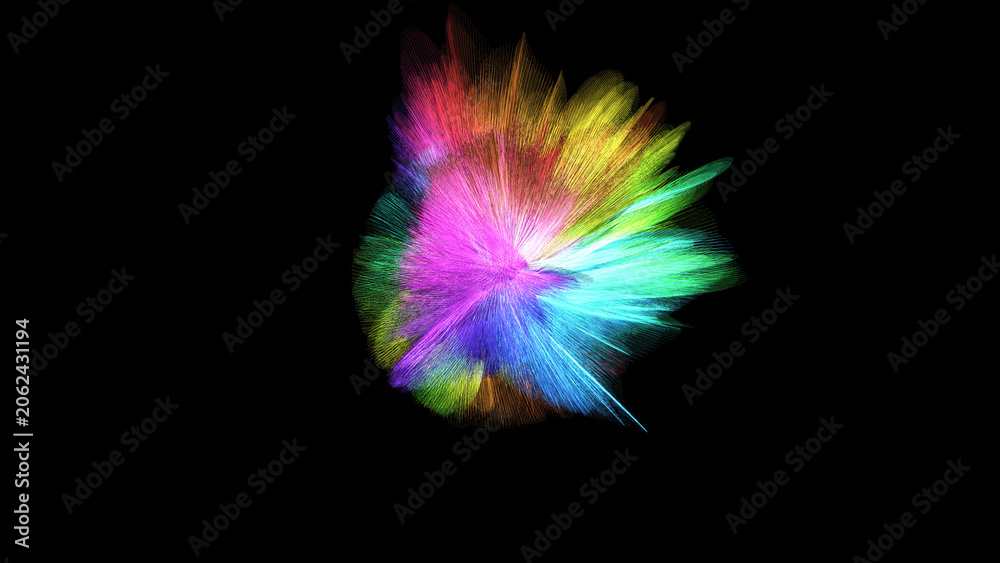
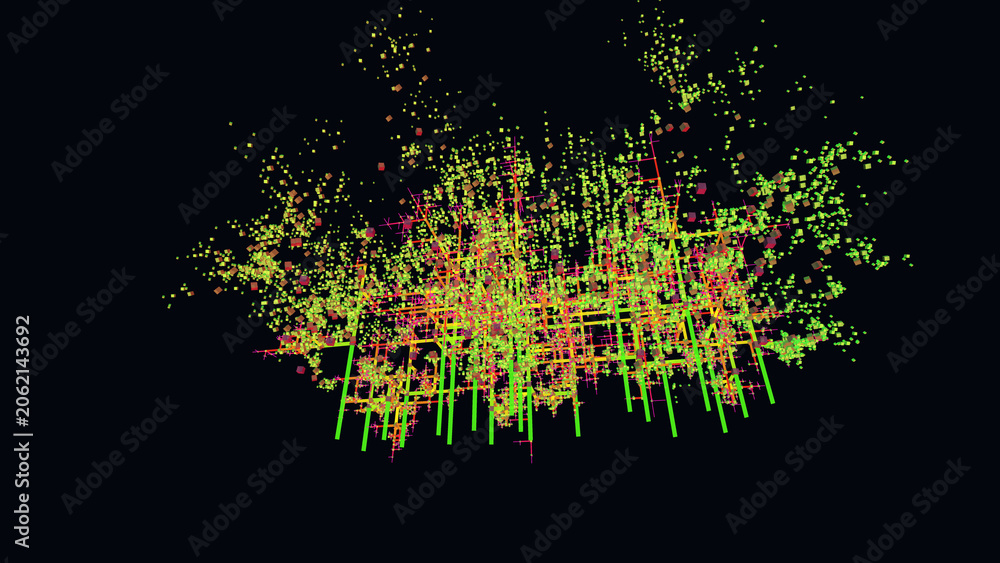
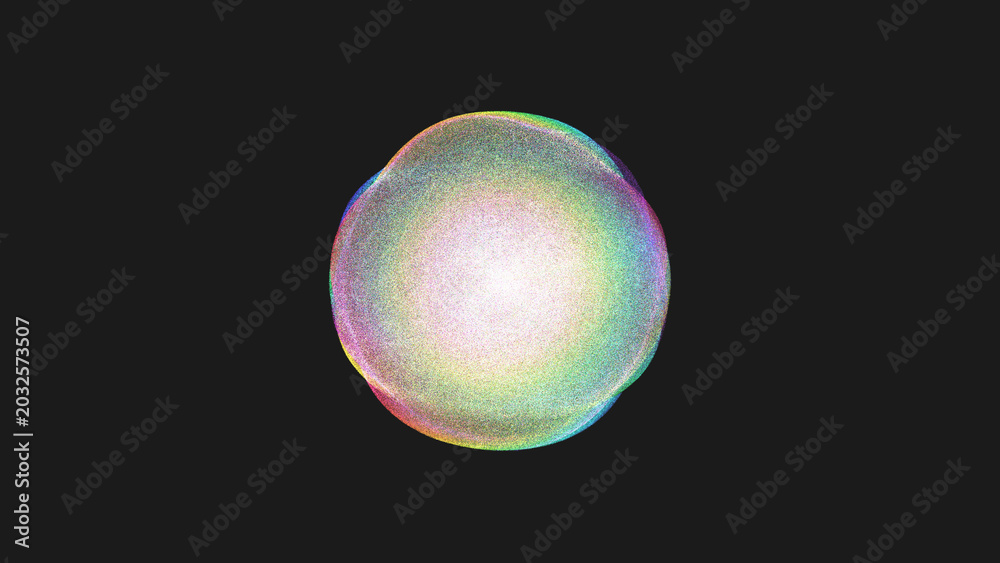
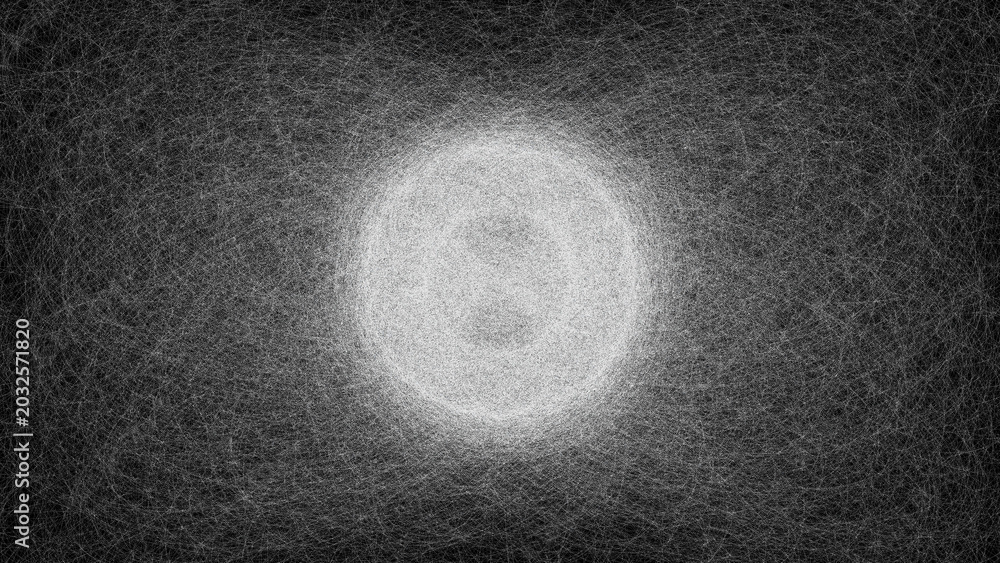
Examples of generative art created with Logic Lab algorithms:


Repository Structure
logic-lab/
├── src/logic_lab/                 # Package root
│   ├── __init__.py
│   ├── mcp/                       # MCP server for AI agent access
│   ├── physics/                   # Motion, forces, particles, simulations
│   ├── steering_behaviors/        # Autonomous agents, flow fields, flocking
│   ├── genetic_algorithms/        # Selection, mutation, evolutionary search
│   ├── neuro_evolution/           # Neural networks evolved via genetics
│   ├── fractals/                  # Recursion, trees, Koch curves, L-systems
│   ├── cellular_automata/         # Rule-based grids, lattice systems
│   ├── mathematical/              # Noise, curves, geometry, harmony
│   ├── tiling_patterns/           # Symmetry, tessellation, ornaments
│   ├── research/                  # Experimental and hybrid systems
│   ├── simulation/                # Prototypes and reference implementations
│   ├── shared/                    # Reusable utilities and helpers
│   └── shader/                    # GLSL shader experiments
├── tests/                         # Pytest test suite
├── CONTRIBUTING.md                # Contributor guidelines and conventions
├── CHANGELOG.md                   # Version history and release notes
├── pyproject.toml                 # Package configuration and dependencies
└── .github/workflows/
    ├── test.yml                   # CI: lint and test automation
    └── release.yml                # CD: automated releases with release-please
Algorithm Domains
- mathematical/ - Generative geometry, color harmony, noise functions, fractals
- physics/ - Particle systems, forces, spring physics, fluid dynamics, collision
- steering_behaviors/ - Autonomous agents, flocking, pathfinding, flow fields
- genetic_algorithms/ - Evolution, selection, crossover, mutation
- neuro_evolution/ - Neural networks evolved via genetic algorithms
- fractals/ - Recursive structures, space-filling curves, Mandelbrot sets
- cellular_automata/ - Rule-based systems, Game of Life, emergence
- tiling_patterns/ - Symmetry, tessellations, ornamental patterns
- research/ - Experimental systems combining multiple domains
- simulation/ - Prototype implementations and archived experiments
- shader/ - GLSL fragment shaders for TouchDesigner and UE5
Development
To contribute new algorithms or fixes, see CONTRIBUTING.md for detailed guidelines on:
- Development setup with
uv - Algorithm addition workflow
- py5 code patterns and templates
- Testing requirements
- Conventional Commits specification
- Automated release process
Setup
Install dependencies:
uv sync
Running Tests
# Install dev dependencies
uv sync --group dev

# Run all tests
uv run pytest tests/

# Run with coverage
uv run pytest tests/ --cov=src/logic_lab
Code Quality
# Lint with ruff
uv run ruff check src/ tests/

# Format with black
uv run black src/ tests/

# Lint and fix
uv run ruff check --fix src/ tests/
Reference
License

Author
If you find this helpful, consider supporting the work:

Recommended Servers

playwright-mcp
A Model Context Protocol server that enables LLMs to interact with web pages through structured accessibility snapshots without requiring vision models or screenshots.

Magic Component Platform (MCP)
An AI-powered tool that generates modern UI components from natural language descriptions, integrating with popular IDEs to streamline UI development workflow.

Audiense Insights MCP Server
Enables interaction with Audiense Insights accounts via the Model Context Protocol, facilitating the extraction and analysis of marketing insights and audience data including demographics, behavior, and influencer engagement.

VeyraX MCP
Single MCP tool to connect all your favorite tools: Gmail, Calendar and 40 more.

graphlit-mcp-server
The Model Context Protocol (MCP) Server enables integration between MCP clients and the Graphlit service. Ingest anything from Slack to Gmail to podcast feeds, in addition to web crawling, into a Graphlit project - and then retrieve relevant contents from the MCP client.

Kagi MCP Server
An MCP server that integrates Kagi search capabilities with Claude AI, enabling Claude to perform real-time web searches when answering questions that require up-to-date information.

E2B
Using MCP to run code via e2b.

Neon Database
MCP server for interacting with Neon Management API and databases

Exa Search
A Model Context Protocol (MCP) server lets AI assistants like Claude use the Exa AI Search API for web searches. This setup allows AI models to get real-time web information in a safe and controlled way.

Qdrant Server
This repository is an example of how to create a MCP server for Qdrant, a vector search engine.