
Figma MCP Server
Enables Cursor to access Figma files through the Model Context Protocol, enhancing its ability to accurately interpret and utilize design data for code generation.
GLips
Tools
add_figma_file
Add a Figma file to your context
view_node
Get a thumbnail for a specific node in a Figma file
read_comments
Get all comments on a Figma file
post_comment
Post a comment on a node in a Figma file
reply_to_comment
Reply to an existing comment in a Figma file
README
<a href="https://www.framelink.ai/?utm_source=github&utm_medium=readme&utm_campaign=readme" target="_blank" rel="noopener"> <picture> <source media="(prefers-color-scheme: dark)" srcset="https://www.framelink.ai/github/HeaderDark.png" /> <img alt="Framelink" src="https://www.framelink.ai/github/HeaderLight.png" /> </picture> </a>
<div align="center"> <h1>Framelink Figma MCP Server</h1> <h3>Give your coding agent access to your Figma data.<br/>Implement designs in any framework in one-shot.</h3> <a href="https://npmcharts.com/compare/figma-developer-mcp?interval=30"> <img alt="weekly downloads" src="https://img.shields.io/npm/dm/figma-developer-mcp.svg"> </a> <a href="https://github.com/GLips/Figma-Context-MCP/blob/main/LICENSE"> <img alt="MIT License" src="https://img.shields.io/github/license/GLips/Figma-Context-MCP" /> </a> <a href="https://framelink.ai/discord"> <img alt="Discord" src="https://img.shields.io/discord/1352337336913887343?color=7389D8&label&logo=discord&logoColor=ffffff" /> </a> <br /> <a href="https://twitter.com/glipsman"> <img alt="Twitter" src="https://img.shields.io/twitter/url?url=https%3A%2F%2Fx.com%2Fglipsman&label=%40glipsman" /> </a> </div>
<br/>
Give Cursor, Windsurf, Cline, and other AI-powered coding tools access to your Figma files with this Model Context Protocol server.
When Cursor has access to Figma design data, it's way better at one-shotting designs accurately than alternative approaches like pasting screenshots.
<h3><a href="https://www.framelink.ai/docs/quickstart?utm_source=github&utm_medium=readme&utm_campaign=readme">See quickstart instructions →</a></h3>
Demo
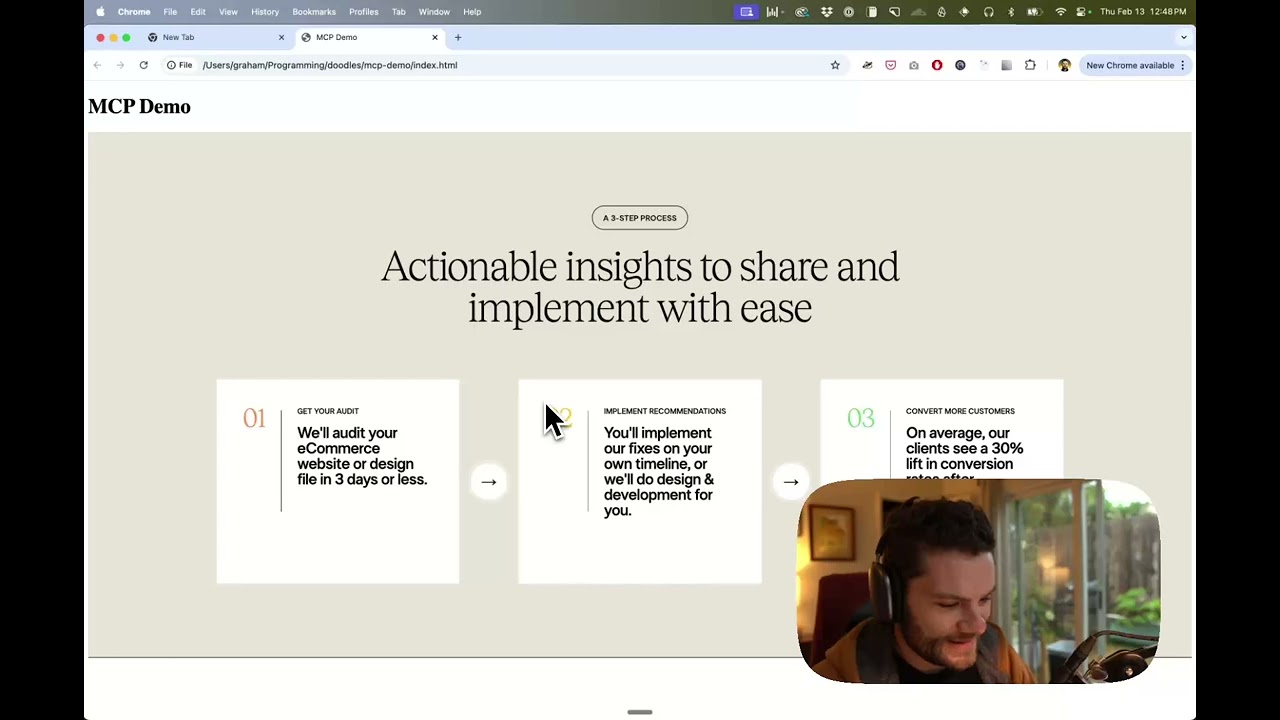
Watch a demo of building a UI in Cursor with Figma design data
How it works
- Open your IDE's chat (e.g. agent mode in Cursor).
- Paste a link to a Figma file, frame, or group.
- Ask Cursor to do something with the Figma file—e.g. implement the design.
- Cursor will fetch the relevant metadata from Figma and use it to write your code.
This MCP server is specifically designed for use with Cursor. Before responding with context from the Figma API, it simplifies and translates the response so only the most relevant layout and styling information is provided to the model.
Reducing the amount of context provided to the model helps make the AI more accurate and the responses more relevant.
Getting Started
Many code editors and other AI clients use a configuration file to manage MCP servers.
The figma-developer-mcp server can be configured by adding the following to your configuration file.
NOTE: You will need to create a Figma access token to use this server. Instructions on how to create a Figma API access token can be found here.
MacOS / Linux
{
  "mcpServers": {
    "Framelink Figma MCP": {
      "command": "npx",
      "args": ["-y", "figma-developer-mcp", "--figma-api-key=YOUR-KEY", "--stdio"]
    }
  }
}
Windows
{
  "mcpServers": {
    "Framelink Figma MCP": {
      "command": "cmd",
      "args": ["/c", "npx", "-y", "figma-developer-mcp", "--figma-api-key=YOUR-KEY", "--stdio"]
    }
  }
}
If you need more information on how to configure the Framelink Figma MCP server, see the Framelink docs.
Star History
<a href="https://star-history.com/#GLips/Figma-Context-MCP"><img src="https://api.star-history.com/svg?repos=GLips/Figma-Context-MCP&type=Date" alt="Star History Chart" width="600" /></a>
Learn More
The Framelink Figma MCP server is simple but powerful. Get the most out of it by learning more at the Framelink site.
Recommended Servers

playwright-mcp
A Model Context Protocol server that enables LLMs to interact with web pages through structured accessibility snapshots without requiring vision models or screenshots.

Neon Database
MCP server for interacting with Neon Management API and databases

Qdrant Server
This repository is an example of how to create a MCP server for Qdrant, a vector search engine.

AIO-MCP Server
🚀 All-in-one MCP server with AI search, RAG, and multi-service integrations (GitLab/Jira/Confluence/YouTube) for AI-enhanced development workflows. Folk from
React MCP
react-mcp integrates with Claude Desktop, enabling the creation and modification of React apps based on user prompts

Perplexity Server
Interacting with Perplexity API.

Any OpenAI Compatible API Integrations
Integrate Claude with Any OpenAI SDK Compatible Chat Completion API - OpenAI, Perplexity, Groq, xAI, PyroPrompts and more.

MySQL Server
Allows AI assistants to list tables, read data, and execute SQL queries through a controlled interface, making database exploration and analysis safer and more structured.

Atlassian Integration
Model Context Protocol (MCP) server for Atlassian Cloud products (Confluence and Jira). This integration is designed specifically for Atlassian Cloud instances and does not support Atlassian Server or Data Center deployments.
Browser Use (used by Deploya.dev)
AI-driven browser automation server that implements the Model Context Protocol to enable natural language control of web browsers for tasks like navigation, form filling, and visual interaction.