
Figma Context MCP
An MCP server that gives AI coding tools access to Figma design data for accurate one-shot implementation of designs.
README
<a href="https://www.framelink.ai/?utm_source=github&utm_medium=referral&utm_campaign=readme" target="_blank" rel="noopener"> <picture> <source media="(prefers-color-scheme: dark)" srcset="https://www.framelink.ai/github/HeaderDark.png" /> <img alt="Framelink" src="https://www.framelink.ai/github/HeaderLight.png" /> </picture> </a>
<div align="center"> <h1>Framelink MCP for Figma</h1> <h2>THIS IS DEV FORK WITH CACHING FEATURE ADDED! USE IT UNTIL THE FEATURE WILL BE MERGED INTO UPSTREAM</h2> <h3>Give your coding agent access to your Figma data.<br/>Implement designs in any framework in one-shot.</h3> <a href="https://npmcharts.com/compare/figma-developer-mcp-caching-dev-fork?interval=30"> <img alt="weekly downloads" src="https://img.shields.io/npm/dm/figma-developer-mcp-caching-dev-fork.svg"> </a> <a href="https://github.com/stone-w4tch3r/Figma-Context-MCP/blob/main/LICENSE"> <img alt="MIT License" src="https://img.shields.io/github/license/stone-w4tch3r/Figma-Context-MCP" /> </a> </div>
<br/>
Give Cursor and other AI-powered coding tools access to your Figma files with this Model Context Protocol server.
When Cursor has access to Figma design data, it's way better at one-shotting designs accurately than alternative approaches like pasting screenshots.
<h3><a href="https://www.framelink.ai/docs/quickstart?utm_source=github&utm_medium=referral&utm_campaign=readme">See quickstart instructions →</a></h3>
Demo
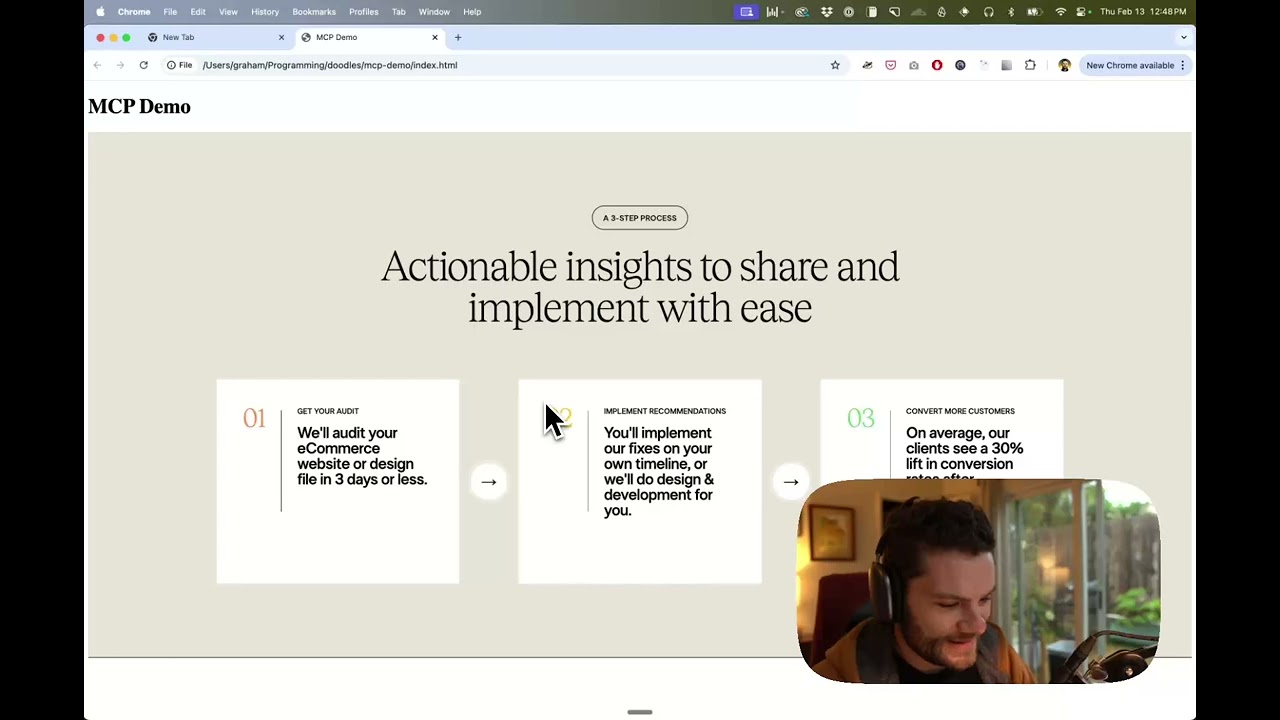
Watch a demo of building a UI in Cursor with Figma design data
How it works
- Open your IDE's chat (e.g. agent mode in Cursor).
- Paste a link to a Figma file, frame, or group.
- Ask Cursor to do something with the Figma file—e.g. implement the design.
- Cursor will fetch the relevant metadata from Figma and use it to write your code.
This MCP server is specifically designed for use with Cursor. Before responding with context from the Figma API, it simplifies and translates the response so only the most relevant layout and styling information is provided to the model.
Reducing the amount of context provided to the model helps make the AI more accurate and the responses more relevant.
Getting Started
Many code editors and other AI clients use a configuration file to manage MCP servers.
This caching fork, published as figma-developer-mcp-caching-dev-fork, can be configured by adding the following to your configuration file.
NOTE: You will need to create a Figma access token to use this server. Instructions on how to create a Figma API access token can be found here.
MacOS / Linux
{
  "mcpServers": {
    "Framelink MCP for Figma": {
      "command": "npx",
      "args": ["-y", "figma-developer-mcp-caching-dev-fork", "--figma-api-key=YOUR-KEY", "--stdio"]
    }
  }
}
Windows
{
  "mcpServers": {
    "Framelink MCP for Figma": {
      "command": "cmd",
      "args": [
        "/c",
        "npx",
        "-y",
        "figma-developer-mcp-caching-dev-fork",
        "--figma-api-key=YOUR-KEY",
        "--stdio"
      ]
    }
  }
}
If you prefer to manage credentials via environment variables (as recommended in the MCP client spec), place them in the env object alongside your server definition. Example Cursor configuration:
{
  "mcpServers": {
    "Framelink MCP for Figma": {
      "command": "npx",
      "args": ["-y", "figma-developer-mcp-caching-dev-fork", "--stdio"],
      "env": {
        "FIGMA_API_KEY": "YOUR-KEY",
        "FIGMA_CACHING": "{\"ttl\":{\"value\":30,\"unit\":\"d\"}}",
        "PORT": "3333",
      },
    },
  },
}
If you need more information on how to configure the Framelink MCP for Figma, see the Framelink docs.
Support for free Figma accounts: Persistent caching (optional)
To avoid hitting Figma's heavy rate limits, you can tell the MCP server to cache full file responses on disk by setting a FIGMA_CACHING environment variable that contains a JSON object.
FIGMA_CACHING='{ "ttl": { "value": 30, "unit": "d" } }'
Put this var into your mcp config json, see example above.
cacheDir(optional) controls where cached files are written. Relative paths are resolved against the current working directory and~expands to your home directory. If you omit it, the server defaults to~/.cache/figma-mcpon Linux,~/Library/Caches/FigmaMcpon macOS, and%LOCALAPPDATA%/FigmaMcpCacheon Windows.ttlcontrols how long a cached file remains valid. It must contain avalue(number) and aunit(ms,s,m,h, ord).
When caching is enabled the server always fetches the full Figma file once, stores it on disk, and serves subsequent get_figma_data / get_raw_node requests from the cached copy until it expires. Delete the files inside cacheDir if you need to force a refresh. Leaving FIGMA_CACHING unset keeps the default non-cached behavior.
Subtree cache mode
If a Figma file is too large to load reliably with the default full-file cache, set cacheType to subtree and configure subtreeRootsByFile. In this mode, the server seeds and reuses only the configured subtrees instead of relying on one cached full-file payload. Each subtree root is just a regular nodeId from that Figma file.
"FIGMA_CACHING": "{\"ttl\":{\"value\":30,\"unit\":\"d\"},\"cacheType\":\"subtree\",\"subtreeRootsByFile\":{\"YOUR_FILE_KEY\":[\"10:20\",\"10:40\"]}}"
Learn More
The Framelink MCP for Figma is simple but powerful. Get the most out of it by learning more at the Framelink site.
Recommended Servers

playwright-mcp
A Model Context Protocol server that enables LLMs to interact with web pages through structured accessibility snapshots without requiring vision models or screenshots.

Magic Component Platform (MCP)
An AI-powered tool that generates modern UI components from natural language descriptions, integrating with popular IDEs to streamline UI development workflow.

Audiense Insights MCP Server
Enables interaction with Audiense Insights accounts via the Model Context Protocol, facilitating the extraction and analysis of marketing insights and audience data including demographics, behavior, and influencer engagement.

VeyraX MCP
Single MCP tool to connect all your favorite tools: Gmail, Calendar and 40 more.

graphlit-mcp-server
The Model Context Protocol (MCP) Server enables integration between MCP clients and the Graphlit service. Ingest anything from Slack to Gmail to podcast feeds, in addition to web crawling, into a Graphlit project - and then retrieve relevant contents from the MCP client.

Kagi MCP Server
An MCP server that integrates Kagi search capabilities with Claude AI, enabling Claude to perform real-time web searches when answering questions that require up-to-date information.

Neon Database
MCP server for interacting with Neon Management API and databases

E2B
Using MCP to run code via e2b.

Exa Search
A Model Context Protocol (MCP) server lets AI assistants like Claude use the Exa AI Search API for web searches. This setup allows AI models to get real-time web information in a safe and controlled way.

Qdrant Server
This repository is an example of how to create a MCP server for Qdrant, a vector search engine.