
@topazlabs/mcp
AI image enhancement for LLMs. An MCP server that lets Claude and other AI assistants enhance images using Topaz Labs AI models.
README
@topazlabs/mcp



AI image enhancement for LLMs. An MCP server that lets Claude and other AI assistants enhance images using Topaz Labs AI models.
Topaz Labs makes AI-powered image and video enhancement software used by photographers, filmmakers, and developers worldwide.
See It in Action
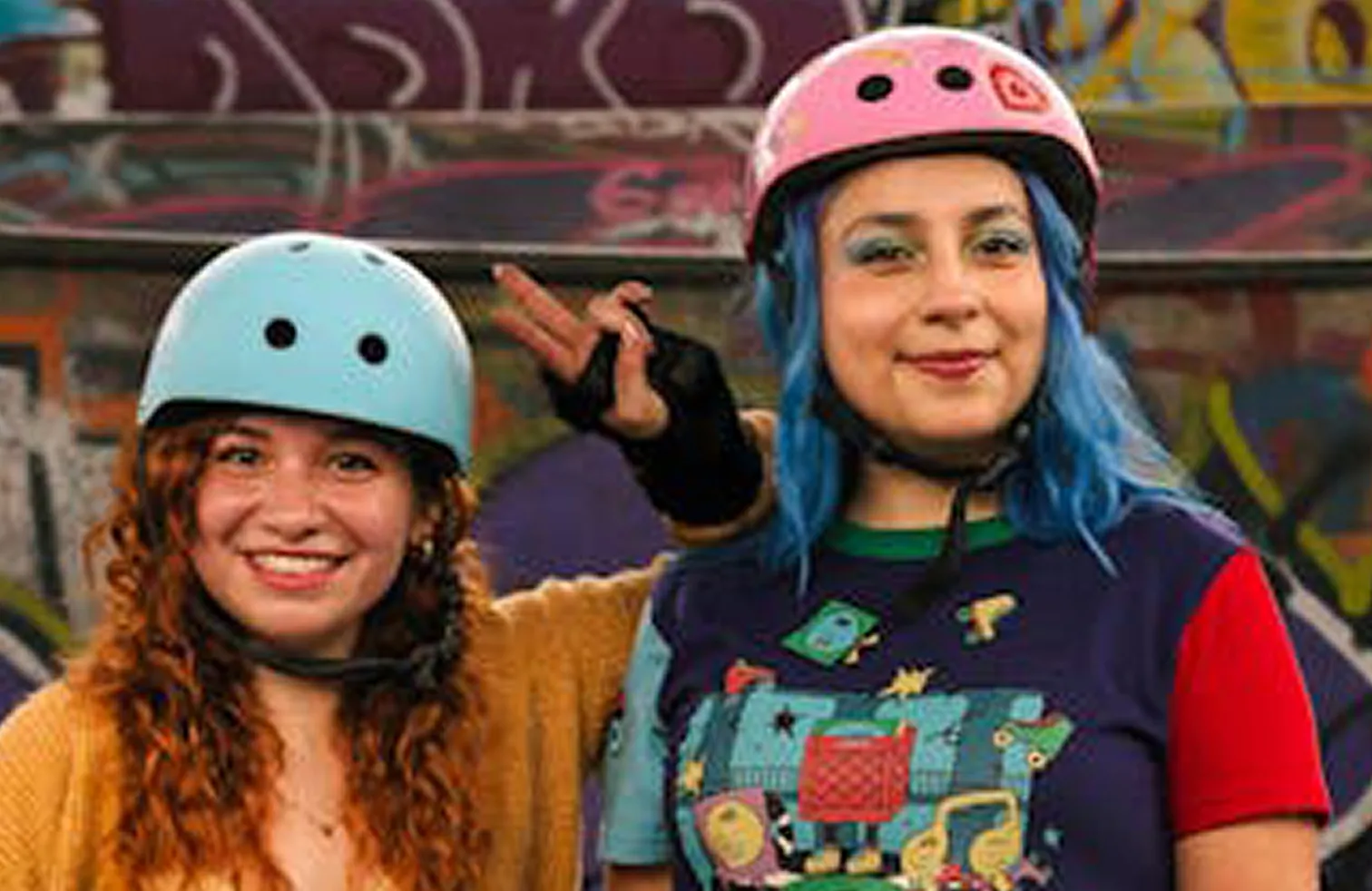
| Before | After |
|---|---|
 |
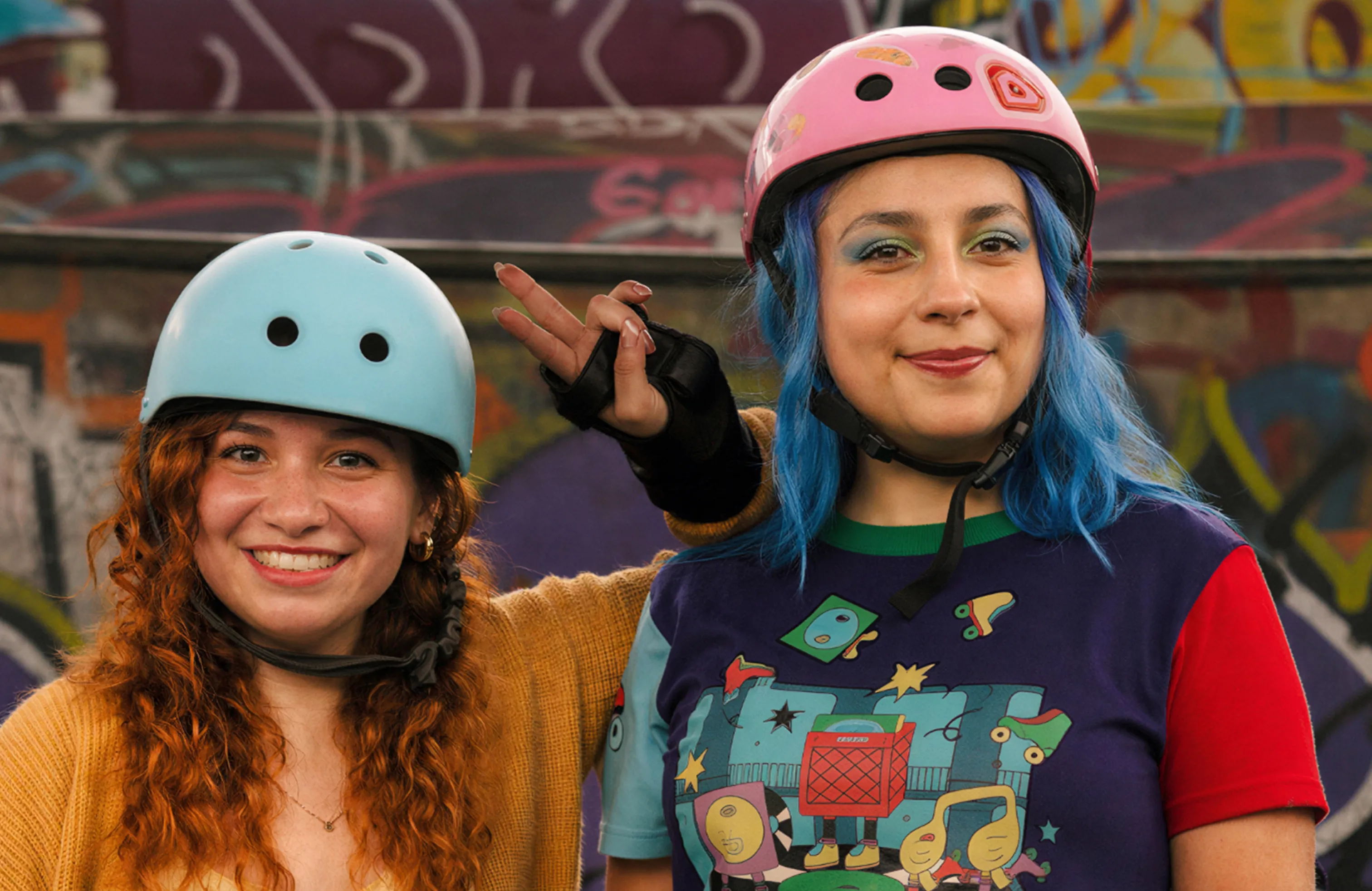 |
Enhanced with the Wonder 2 model. View interactive comparison →

Quick Start
1. Get an API key
Sign up at developer.topazlabs.com.
2. Add to your MCP client
Add to your Claude Desktop config (~/Library/Application Support/Claude/claude_desktop_config.json on macOS, %APPDATA%\Claude\claude_desktop_config.json on Windows):
{
  "mcpServers": {
    "Topaz Labs": {
      "command": "npx",
      "args": ["-y", "@topazlabs/mcp"],
      "env": {
        "TOPAZ_API_KEY": "<your-api-key>"
      }
    }
  }
}
3. Enhance images
You: "Enhance ~/Desktop/photo.jpg with Wonder 2"
Claude: I'll enhance your photo using Topaz Labs' Wonder 2 model.
[calls image-enhance tool]
Note: This tool requires a file path or URL — it cannot process images uploaded directly in the chat. It works best with Claude Cowork, which has file system access. It does not work in Claude Chat mode (no file system access).
Here's your enhanced image -- upscaled and sharpened with improved detail and clarity.
Compatibility
This server uses stdio transport, supported by all major MCP desktop clients:
| Client | Status |
|---|---|
| Claude Cowork | ✅ (recommended — has file system access) |
| Claude Desktop (Chat) | ⚠️ Requires user to provide file paths manually |
| Cursor | ✅ |
| Windsurf | ✅ |
| VS Code (Copilot) | ✅ |
| Cline | ✅ |
| Claude Code | ✅ |
| Zed | ✅ |
HTTP streaming transport (for ChatGPT, remote agents, web/mobile clients) is not yet supported but may be added in a future release.
Tool
image-enhance
Send an image, get back an enhanced version. Defaults to Standard V2 and auto-upscales to 2K.
image: "~/Photos/photo.jpg"     # Local path or URL (required)
size: { scale: 2 }              # Optional: exact dims, single dim, or scale factor
model: "Standard V2"            # Optional: defaults to Standard V2
Size options: { width, height } for exact, { width } or { height } for proportional, { scale } for a multiplier. If omitted, images under 2K are auto-upscaled to 2K width.
Models:
| Model | Type | Best for |
|---|---|---|
| Standard V2 | standard | General photos (default) |
| Low Resolution V2 | standard | Tiny images, thumbnails |
| CGI | standard | Digital art, renders, illustrations |
| High Fidelity V2 | standard | High-quality sources needing upscale |
| Redefine | generative | Creative reinterpretation |
| Recover 3 | generative | Low-res images, old photos |
| Standard MAX | generative | Maximum quality, slower |
| Wonder 2 | generative | Nature photography, portraits, fine detail |
Environment Variables
| Variable | Required | Description |
|---|---|---|
TOPAZ_API_KEY |
Yes | Topaz Labs API key |
Architecture
src/
  api/        -- Topaz API client, types, model definitions
  lib/        -- Path security, URL fetching utilities
  tools/      -- enhance tool handler
  server.ts   -- MCP server setup and tool registration
  main.ts     -- Entry point (stdio transport)
test/         -- Vitest test suite
Development
npm install
npm run build
npm test
Limitations
- Image only -- video enhancement is not yet supported
- Paid API key required -- sign up at developer.topazlabs.com
- Cloud processing -- images are sent to the Topaz Labs API for enhancement
Contributing
Found a bug or have a feature request? Open an issue on GitHub.
License
MIT -- Topaz Labs
Recommended Servers

playwright-mcp
A Model Context Protocol server that enables LLMs to interact with web pages through structured accessibility snapshots without requiring vision models or screenshots.

Magic Component Platform (MCP)
An AI-powered tool that generates modern UI components from natural language descriptions, integrating with popular IDEs to streamline UI development workflow.

Audiense Insights MCP Server
Enables interaction with Audiense Insights accounts via the Model Context Protocol, facilitating the extraction and analysis of marketing insights and audience data including demographics, behavior, and influencer engagement.

VeyraX MCP
Single MCP tool to connect all your favorite tools: Gmail, Calendar and 40 more.

graphlit-mcp-server
The Model Context Protocol (MCP) Server enables integration between MCP clients and the Graphlit service. Ingest anything from Slack to Gmail to podcast feeds, in addition to web crawling, into a Graphlit project - and then retrieve relevant contents from the MCP client.

Kagi MCP Server
An MCP server that integrates Kagi search capabilities with Claude AI, enabling Claude to perform real-time web searches when answering questions that require up-to-date information.

E2B
Using MCP to run code via e2b.

Neon Database
MCP server for interacting with Neon Management API and databases

Exa Search
A Model Context Protocol (MCP) server lets AI assistants like Claude use the Exa AI Search API for web searches. This setup allows AI models to get real-time web information in a safe and controlled way.

Qdrant Server
This repository is an example of how to create a MCP server for Qdrant, a vector search engine.